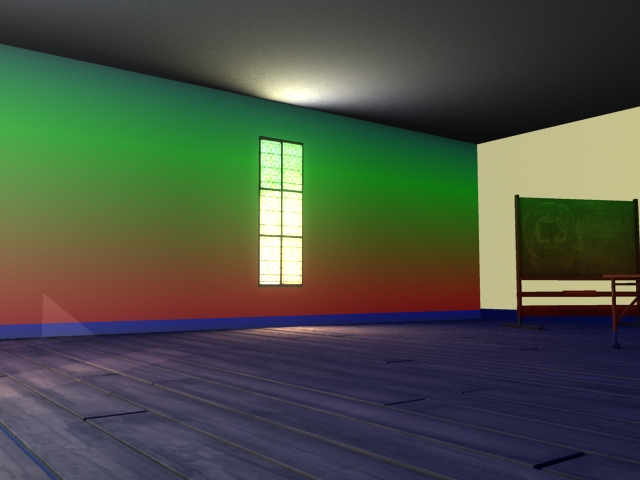
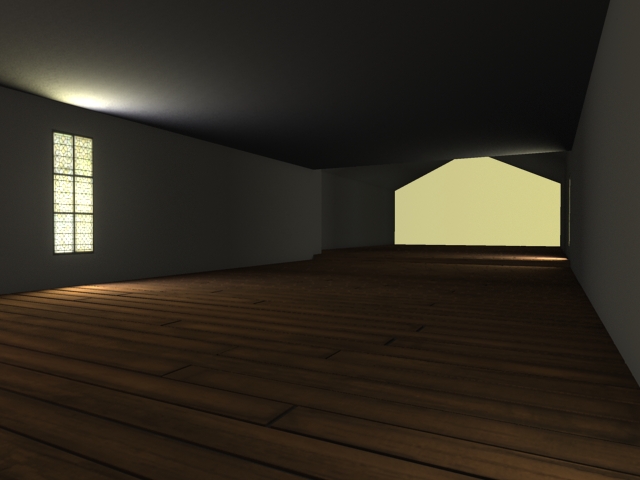
The past week has been quite intense, I've been trying to push my environment further in places I had already produced, as well as creating some new props and models for later shots. I've begun to render the first few shots of the environment, setting up render layers and noting what needs doing in post-production. I'm now focusing on the 'workshop' area of the animation, which still needs a lot of work. Lighting has been a bit of an issue recently, battling with render times, but I think i'm getting closer to a final set-up.
The next two weeks will be spent finalising the building, textures and lighting as well as cluttering it up, for a more realistic atmosphere as well as adding animation and effects. It will be a very busy two weeks, but I'm hoping with some care and a bit of planning, it will be close to how I envisioned it earlier in the project. I've had a fair share of problems, with Maya pulling some dodgy crashes (which in turn corrupt the scene) so I'm now safely-paranoid: saving often and backing up everyday. I think the post-production list will be pretty hefty, which I'm hoping will give the images a 'pop' and a bit of quality control with rendering should also help.
Below is the Workshop as of now, the plan is to block off the view of the machine completely until it is very close, with the camera panning past an object to finally reveal it. A lot more clutter and detail is needed in this room, as well as better shadowing to make the lighting less flat. The idea is to make it smokey, with machinery moving and clunking, in contrast to the study. I'm hoping within about a week, to have this all done, so I can focus on the last stage. I also have some more props rendered.
I've been working away on the environment, adding in some more props, tweaking the lighting and inserting some foliage. I've been experimenting with 'Xfrog 4' a vegetation/flower plugin which I received free on a disc with a copy of CG World magazine. Its much quicker than building the plants from scratch and uses a series of Alpha maps and stem curves to create some nice looking plants. Ideally I would have created these from scratch using planes, but this is much more time-efficient.
Next up, I'll be revisiting my time machine, and setting up the next half of the scene (the blackness in the background of some of the shots below) which will be more industrial and will contain heavy machinery as well as ultimately the machine itself. I still have a lot to do, but over the last week or so, progress has been quite quick and I'm hoping to pick up the pace once more.
I've also tested a quick Depth pass on the last image below, which I think adds a much more realistic look to the camera and makes things more atmospheric, this will be used on all the shots.
Next up, I'll be revisiting my time machine, and setting up the next half of the scene (the blackness in the background of some of the shots below) which will be more industrial and will contain heavy machinery as well as ultimately the machine itself. I still have a lot to do, but over the last week or so, progress has been quite quick and I'm hoping to pick up the pace once more.
I've also tested a quick Depth pass on the last image below, which I think adds a much more realistic look to the camera and makes things more atmospheric, this will be used on all the shots.

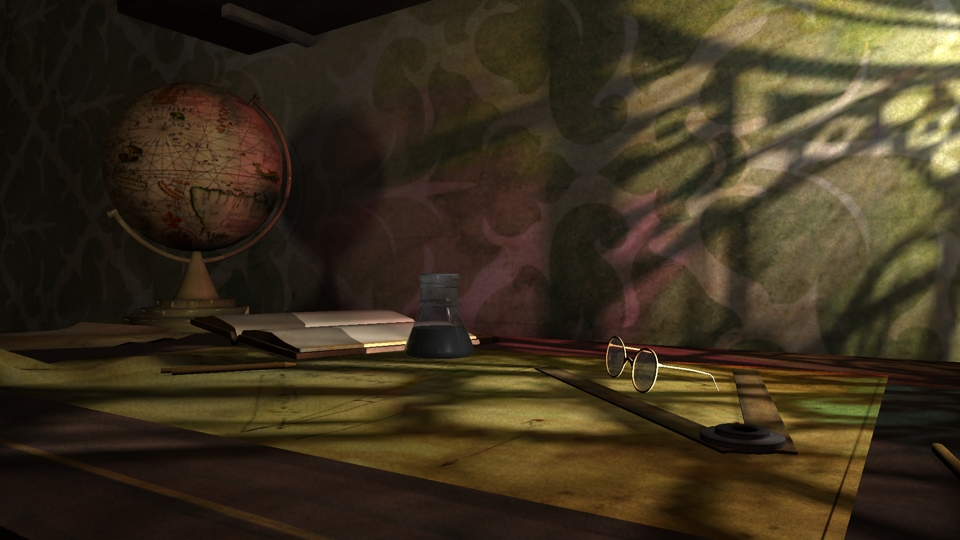
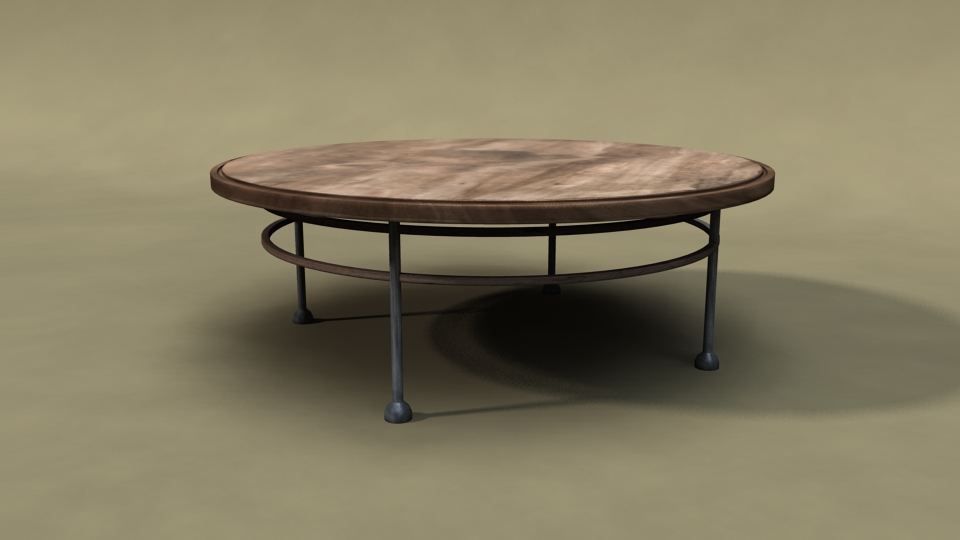
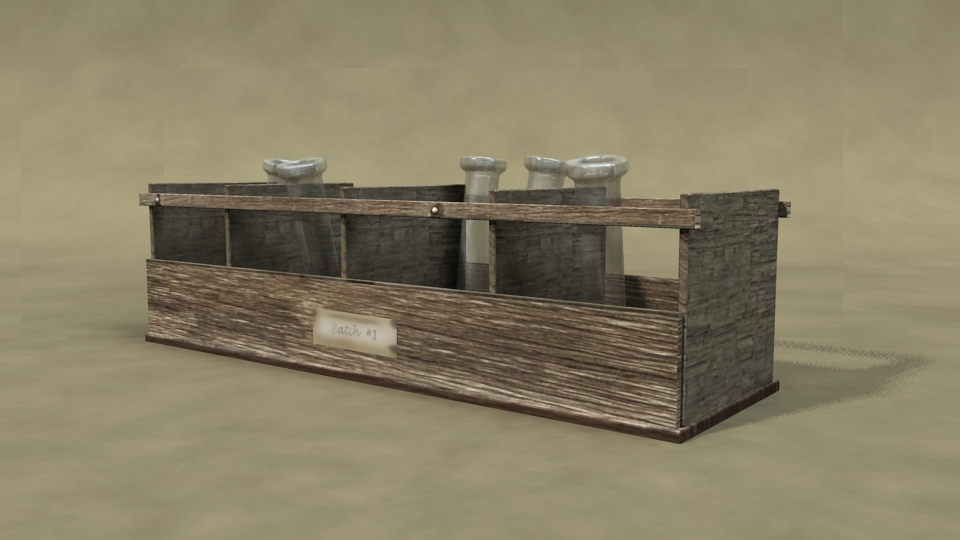
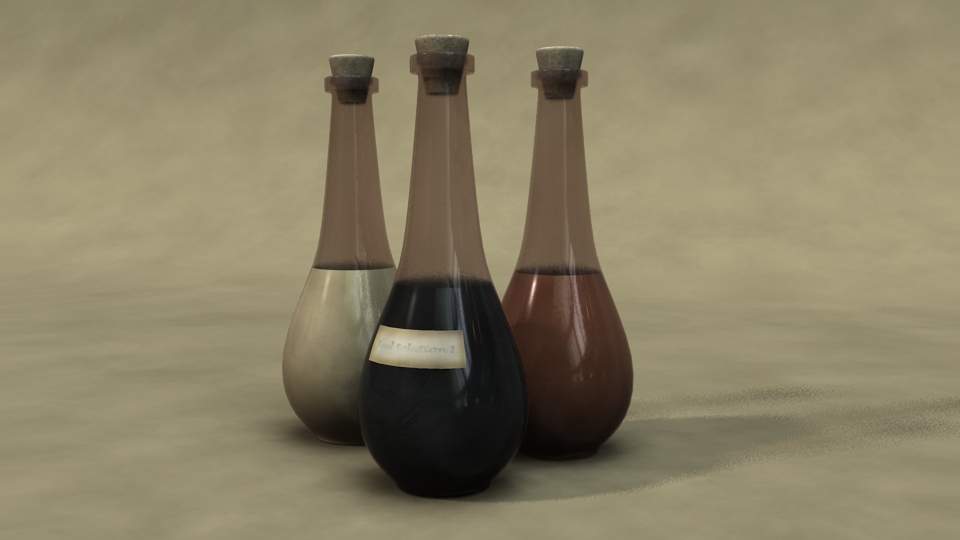
I've been working some more on my environment over the past few days, trying to improve the lighting to give it a more ambient feel and a more realistic and warm atmosphere. I've also created a few more props, which are shown below. My plan is to have this whole area completed by the end of the weekend, and then move on to the more industrial, workshop area further down in the building. I'm hoping the contrast/gamma problems have been solved, but if the images still look a little dark/washed out, i'm sure i'll correct it before the final export when I'll test it on a few different monitors.
I still have a bit of rim-lighting to add to some objects to try and make them 'pop', as well as brand all my images with my blog address/ project name, which I'm going to apply to them all this afternoon.
New Props:
I still have a bit of rim-lighting to add to some objects to try and make them 'pop', as well as brand all my images with my blog address/ project name, which I'm going to apply to them all this afternoon.
New Props:

After a quick talk with Alan today, I decided to relight my scene with a bit more thought to light sources and highlights, trying to reduce the extreme atmosphere that the lights had. Alan advised me to think about highlights as well as how the light would bounce. I'm taking a break from lighting for a couple of days, to finish the props for the study and clutter it up further as well as animating the few things in this part which will move.
The technique i'm now using, is to use multiple lights with different purposes, some only for single objects, to hopefully give a bit more of a soft and believable feel. The current stage i'm at is below, hopefully with some further advice from Alan, it will be close to final. The plan is to complete this half by Sunday, and then delve into the workshop / machinery area which I'm hoping to have some fun with, in terms of props, lighting and animated pieces.
Images below are older versions.
Over the last few days I've been working on the study area of my environment, pushing the lighting and starting to get final textures on objects. There is still a lot of clutter to model and place, and Im not too sure about the wallpaper, but I'm hoping to have this small area completed in the next few days, so I'm ready to push on with the more industrial side of the laboratory.
Update:
I've tweaked the lighting after fixing some problems with my monitor calibration, it is now a bit closer to how I want it, but still needs some stronger highlights I think.
The technique i'm now using, is to use multiple lights with different purposes, some only for single objects, to hopefully give a bit more of a soft and believable feel. The current stage i'm at is below, hopefully with some further advice from Alan, it will be close to final. The plan is to complete this half by Sunday, and then delve into the workshop / machinery area which I'm hoping to have some fun with, in terms of props, lighting and animated pieces.
Images below are older versions.
Over the last few days I've been working on the study area of my environment, pushing the lighting and starting to get final textures on objects. There is still a lot of clutter to model and place, and Im not too sure about the wallpaper, but I'm hoping to have this small area completed in the next few days, so I'm ready to push on with the more industrial side of the laboratory.
Update:
I've tweaked the lighting after fixing some problems with my monitor calibration, it is now a bit closer to how I want it, but still needs some stronger highlights I think.
---------------------

After the interim crit this week, the amount of work to accomplish over the next five or so weeks became apparent, so now is the time to pick up the pace and hopefully push my project to completion at the quality I've wanted to achieve. Along with the Time Machine model being in production, a lot of props are needed to portray the environment and make it seem as cluttered and believable while also keeping with the correct theme of the character. Below are the props I've completed, with a lot more to be made in the coming weeks.
More importantly for now, I have been working on lighting methods for my scene. Lighting is something I'm trying to push and concentrate on this project, making full-use of more advanced options as well as plans for post-production. Below is a quick look at how my lighting is coming along, as well as how it has so far been accomplished.
Firstly, I tried an approach at lighting the scene using Portal lights in conjunction with Mental Ray's Final Gather, which will more realistically spread the light throughout a scene and make the ambience and spread more believable. The first test with this is here:
This seemed a bit 'undramatic' and the lighting seemed a bit washed out. Obviously I'm only working on a empty-ish test scene, but the render time was far too high and although using Final Gather may make the lighting much smoother, the render times are a problem.
I decided to try lighting the scene without FG, still using Portal Lights but this time using an image-based node, which would typically project a HDR map throughout the scene. After some tests, this once again raised the render time above 3-minutes, and would take quite a lot of tweaking to lower it. The process I sued instead, was to project solid colour from the IBL-node, using a ramp, this would carry the colours of the sky, without having to calculate a large HDR image. The result of this is here:
The scene seemed much darker, but the light inside the scene did seem stronger and more dramatic. I then used a method I learned in a Digital Tutor's tutorial - projecting light straight into the scene using a Mental Ray Ambient Occlusion node and an area light, allowing the colours of a ramp to flood the environment. As shown below:
To project the right colours in the right areas will take some tweaking, but it seems to improve the quality of the lighting, at very small render cost. Below is the current result I have using more realistic colours.
The task now is to fill the environment, whilst tweaking the lighting and hopefully have a optimized and well-lit scene over the next week.

I haven't updated my blog in a couple of weeks and I'm planning on showing a lot more work that I've produced, in more detail, however here is the Interim Crit presentation for this morning.
Sam Hayes Interim
Sam Hayes Interim